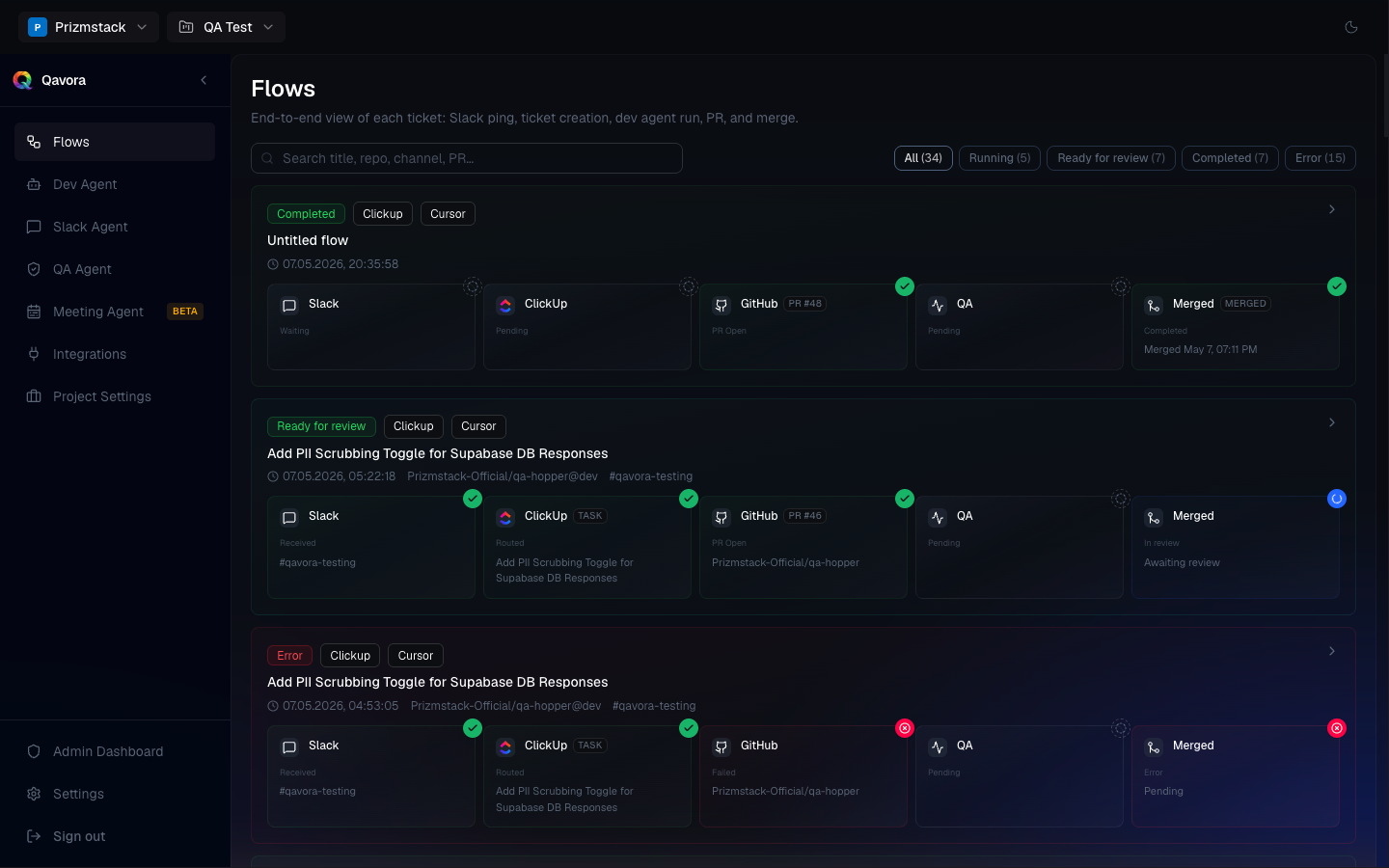
Studio agent workflow

Launch every agent your studio needs from one flow.

Qavora connects Chat Agent, Meeting Agent, Ticket Agent, and Dev Agent so Slack, calls, Linear, ClickUp, Jira, GitHub, Codex, Cursor, and Claude Code work inside your studio workflow.

Focus
One connected project
Agents
Chat, Meeting, Ticket, Dev
Continuity
Slack, tickets, repos, PRs
Acme
Agents
Pricing page copyProcessing
Onboarding callPending

Turn product thread into implementation

Captured from Slack · Jira · updated 02:41

Linked

Turn this thread into a Jira ticket, attach GitHub context, and launch the right Dev Agent on web-app.

Jira · STUDIO-218Dev Agent queuedmain
Last sync14s ago
Dev AgentQueued
Activity
live
  • Dev agent queued02:41

    Repo matched · web-app · 14s

  • Ticket created02:38

    STUDIO-218 -> Jira · GitHub linked

  • Thread updated02:31

    Slack #product · Ready for execution

Slack -> Jira -> GitHub · handoff oksync 14s ago
SlackJiraGitHubCursor

Illustrative UI — chat, tickets, repos, and agent launches inside Qavora. Not customer data.

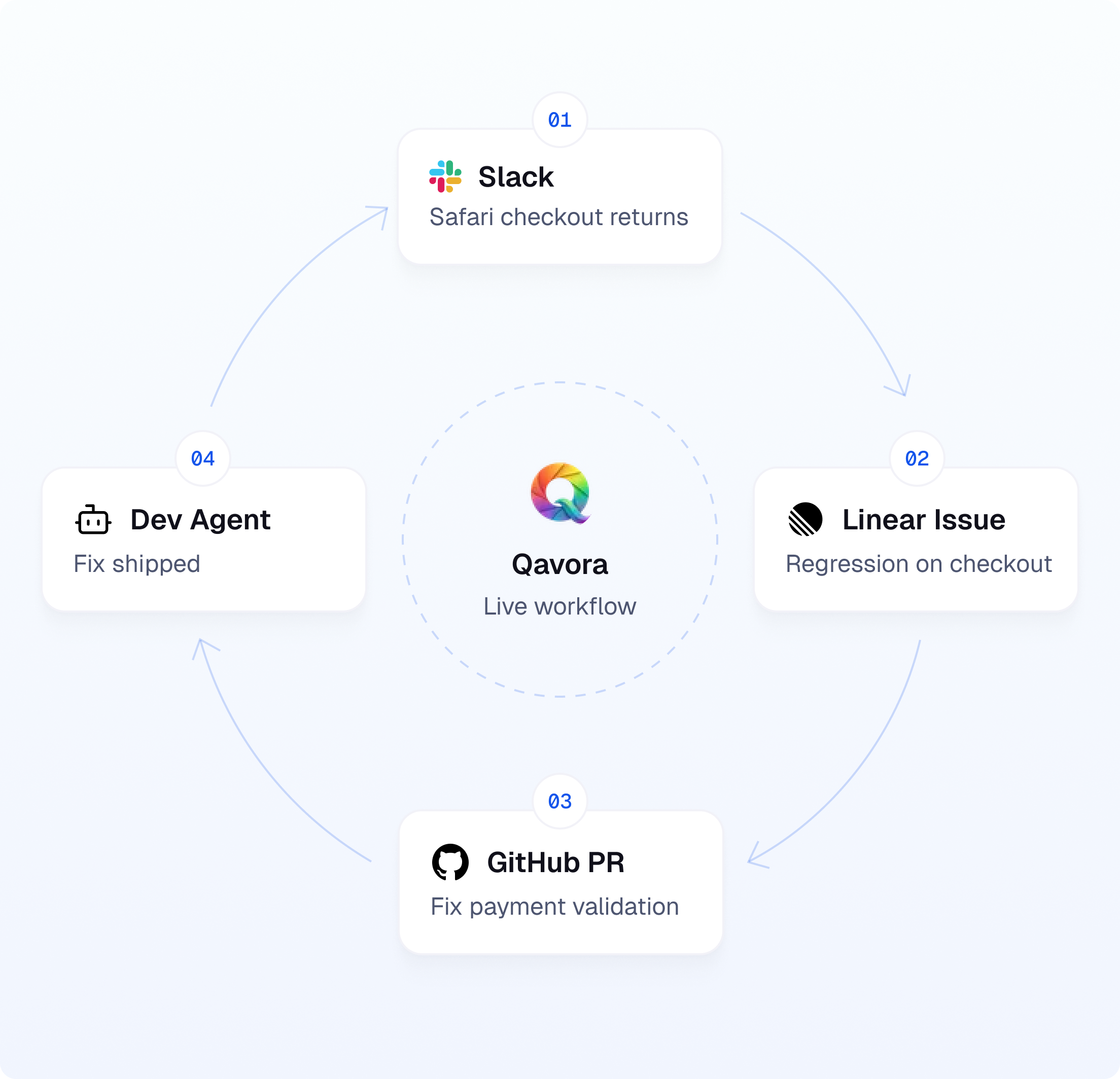
Live workflow

The intake-to-execution loop for modern software teams.

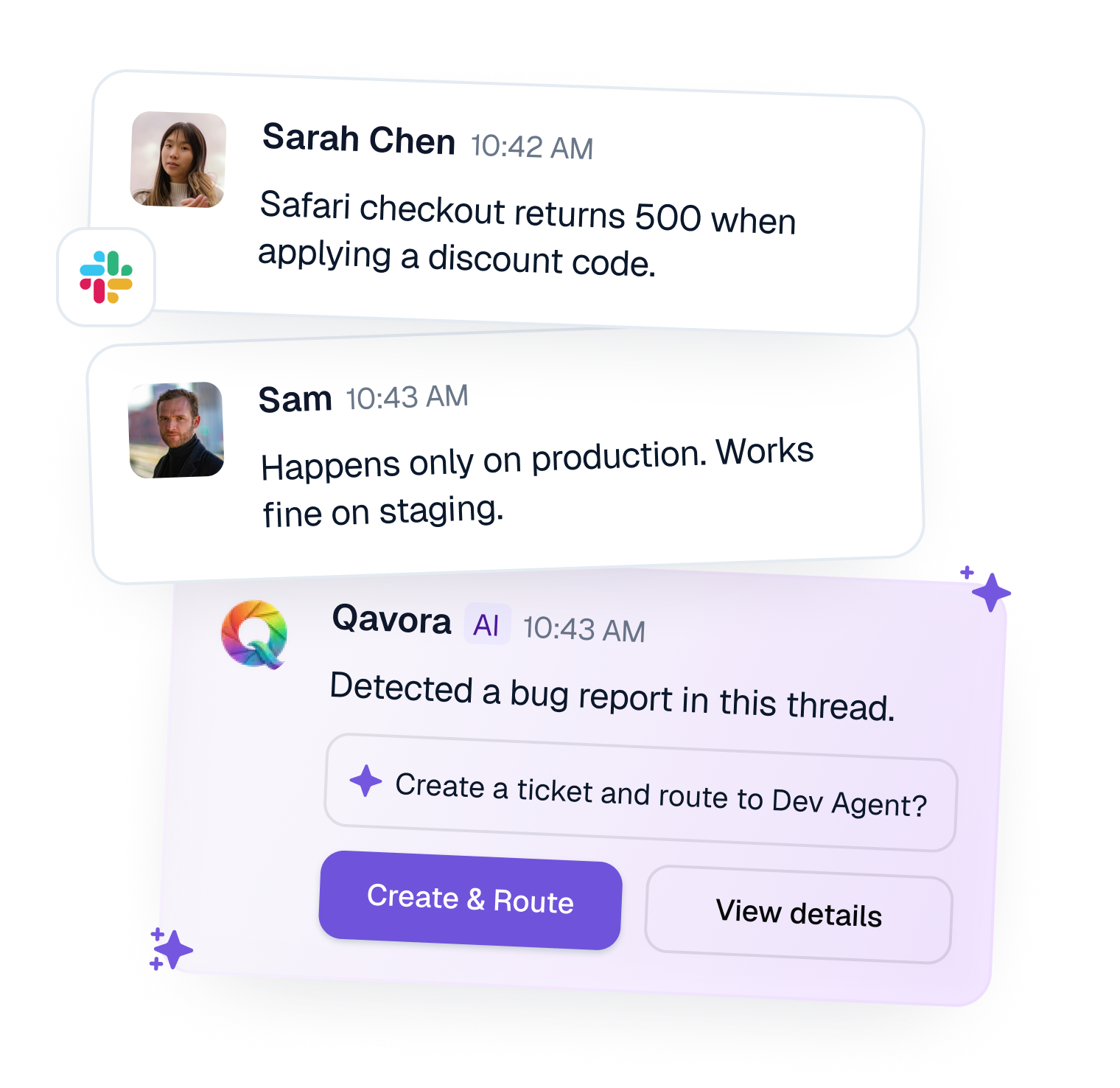
Turn a thread into a Jira ticket, attach the GitHub context, and launch the right Dev Agent while the original workflow stays updated.

Qavora turns a live conversation into project context, ticket updates, and the next agent handoff without forcing your team into another intake surface.
qavora.app/workspace/...

Chat Agent captures the original request. Qavora turns a live conversation into project context, ticket updates, and the next agent handoff without forcing your team into another intake surface.

Story 1 of 3: Capture

Feature coverage

Agent launches that match the way your studio already works.

Qavora connects the agents around your delivery flow: Chat for conversations, Meeting for decisions, Ticket for planning systems, and Dev for implementation.

#productSlacklive

Turn thread into Jira ticket and launch Dev Agent?

slackRouted
Ticket created · repo matched
Chat Agent

Launch Chat Agent where your team already talks.

Route Slack conversations into the right project, keep the thread updated, and coordinate the next agent without asking your team to switch tools.
Slack-native
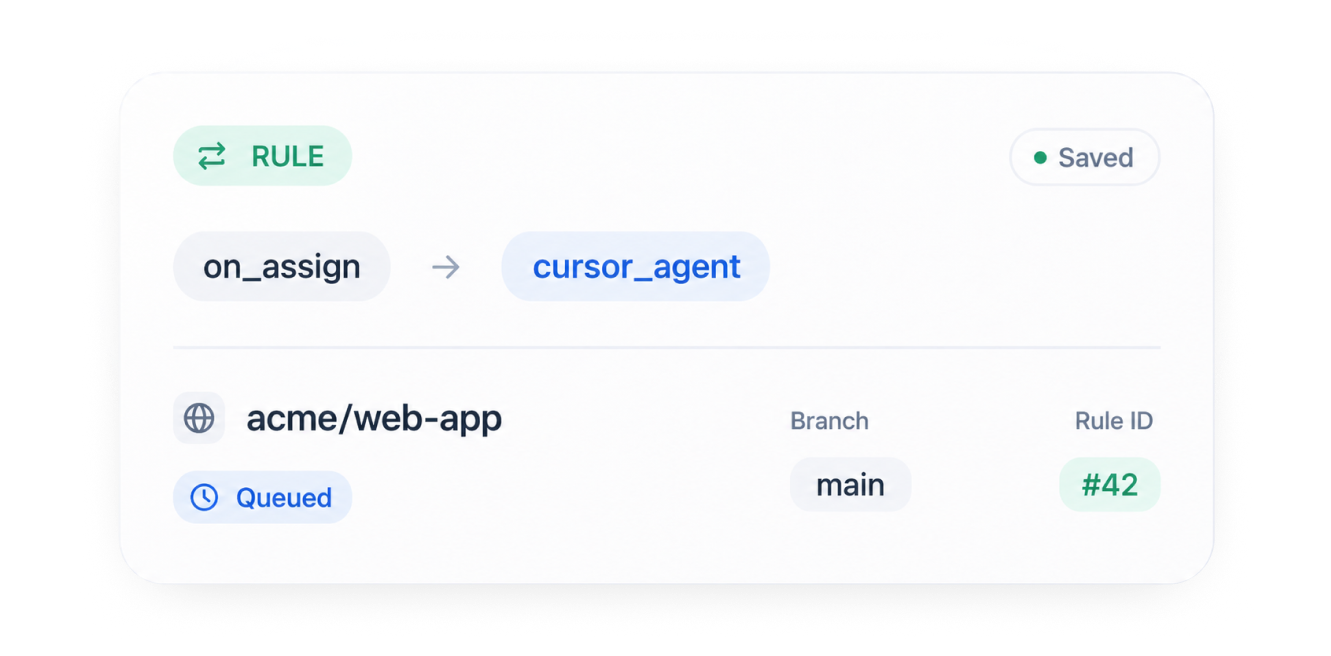
Rulesaved
on_assigncursor_agent
acme/web-appmain
Queued#42
Dev Agent

Launch Dev Agent across your coding agent stack.

Send implementation work to the right repo, branch, and agent runtime, whether your team prefers Codex, Cursor, Claude Code, or another dev agent.
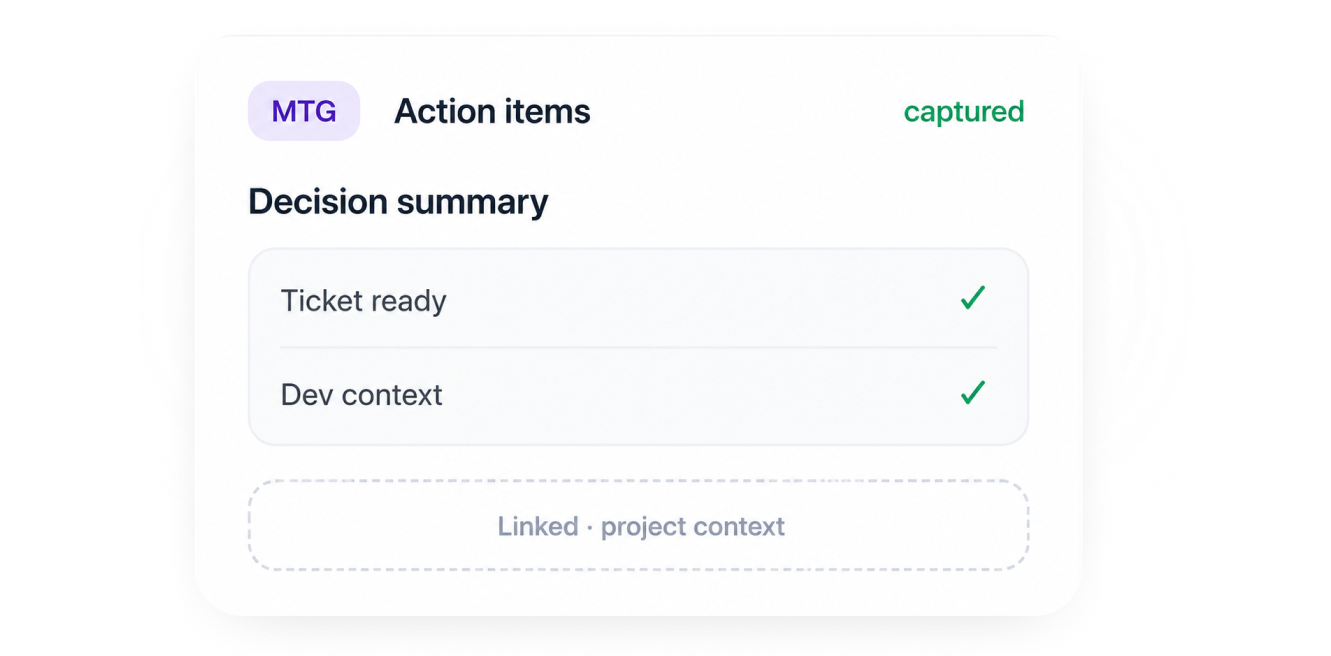
Execution
MTGAction itemscaptured

Decision summary

Ticket ready
Dev context

Linked · project context

Meeting Agent

Launch Meeting Agent to capture decisions.

Turn meeting discussions into usable project context, action items, and follow-up work so decisions do not get stranded in recordings or notes.
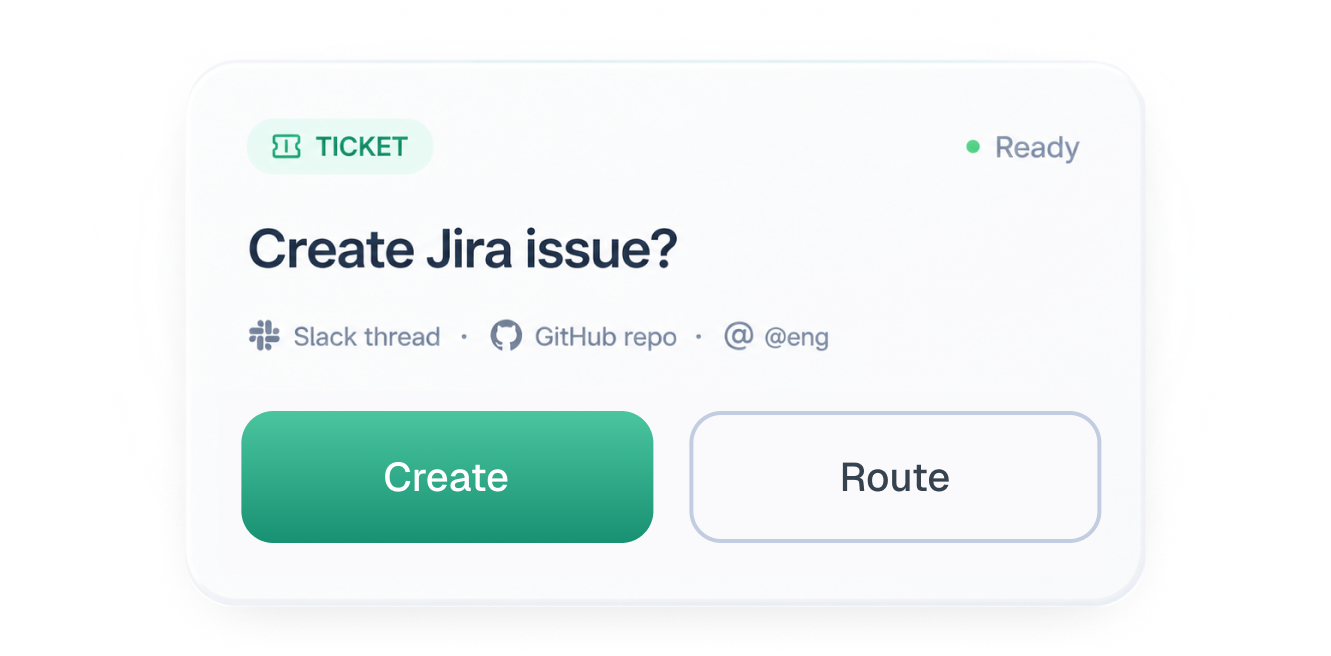
Decisions
TicketReady

Create Jira issue?

Slack thread · GitHub repo · @eng

CreateRoute
Ticket Agent

Launch Ticket Agent across Linear, ClickUp, and Jira.

Create, update, route, and enrich tickets in the system your studio already uses while keeping chat, meetings, repos, and implementation in sync.
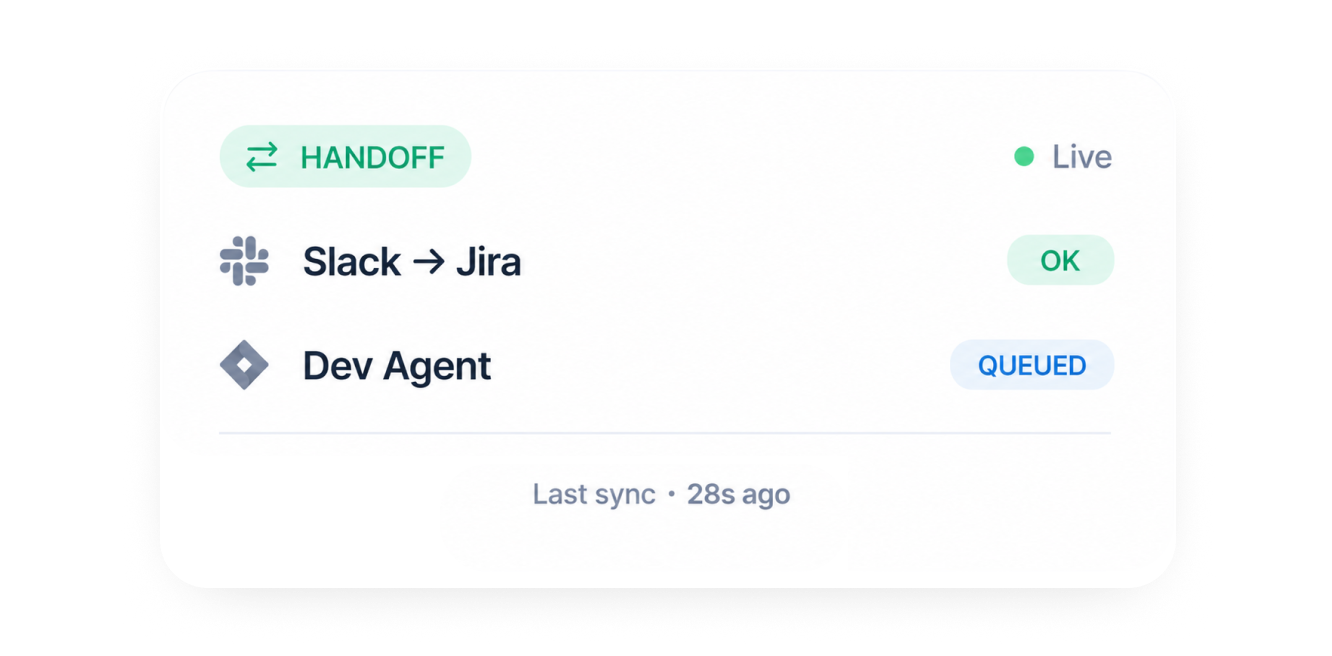
Planning
Handofflive
  • Slack -> Jiraok
  • Dev Agentqueued

Last sync · 28s

Connected Handoffs

Keep every handoff tied to the same project.

Carry context forward so Slack, Linear, ClickUp, Jira, GitHub, Codex, Cursor, and Claude Code stay aligned.

Context

Workflow fit

One operating loop from conversation to shipped work.

Instead of stitching separate tools together by hand, Qavora keeps each agent connected to the same project context and next step.

  1. 01
    Connect

    Map Slack channels, meeting sources, ticket projects, and repositories to the way your team already works.

    Integration hubacme
    • Slack workspace

      @acme-product

      Live
    • Meeting source

      Calls

      Live
    • GitHub org

      OAuth

      Pending

    UI fragment — illustrative routing, agent launch, sync, or memory behaviors.

  2. 02
    Launch

    Use Chat Agent, Meeting Agent, Ticket Agent, or Dev Agent depending on whether the work starts in a thread, call, ticket, or repo.

    Agent launch#product
    ProjectStudio app
    Webhookverified
    On assignlaunch_agent

    New threads can create tickets, attach repo context, and queue the right dev agent.

    UI fragment — illustrative routing, agent launch, sync, or memory behaviors.

  3. 03
    Handoff

    Qavora carries project context forward so Codex, Cursor, Claude Code, Slack, Linear, ClickUp, Jira, and GitHub stay aligned.

    Chat · liveTicket · JiraAgent

    Handoff healthy

    Last sync · 14s ago

    Ok
    Dev agentqueued

    Mirrored to Jira STUDIO-218 · same thread refs in Slack.

    UI fragment — illustrative routing, agent launch, sync, or memory behaviors.

  4. 04
    Expand

    Start with one connected project, then add more agents as your workflow expands.

    pricing page launch flow ...⌘K
    4 results · threads · tickets · PRs

    “Pricing page” spans 4 threads · Last 14d

    Suggested

    Launch Cursor when ticket includes repo context and owner approval.

    UI fragment — illustrative routing, agent launch, sync, or memory behaviors.

Connects with

Works with the stack you already use

Qavora is designed for teams already living in Slack, meetings, Linear, ClickUp, Jira, GitHub, Codex, Cursor, and Claude Code, not teams looking to replace them.
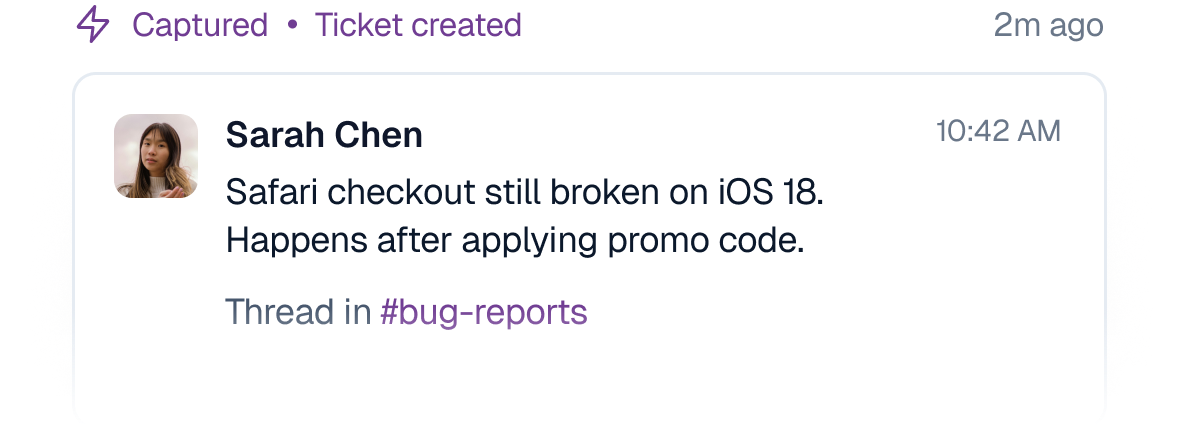
Slack

LINKED
Chat
Slack eventChat Agent

Thread captured · ticket ready

Route conversations into the right project and keep follow-up inside the original thread.
Linear

LINKED
Planning
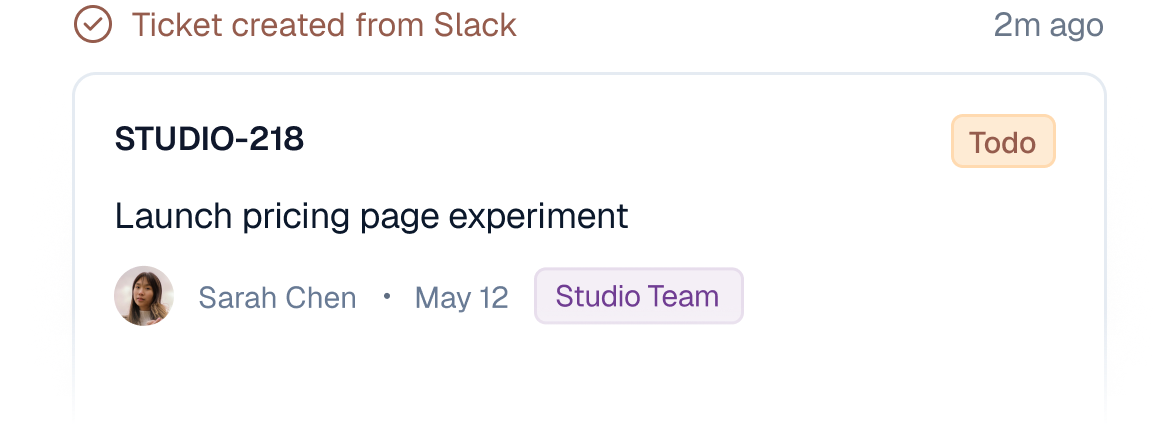
STUDIO-218Todo

Launch pricing page experiment

Synced from Slack and GitHub context

Keep issues connected to the chat, meeting, repo, and implementation context that created them.
ClickUp

LINKED
Planning
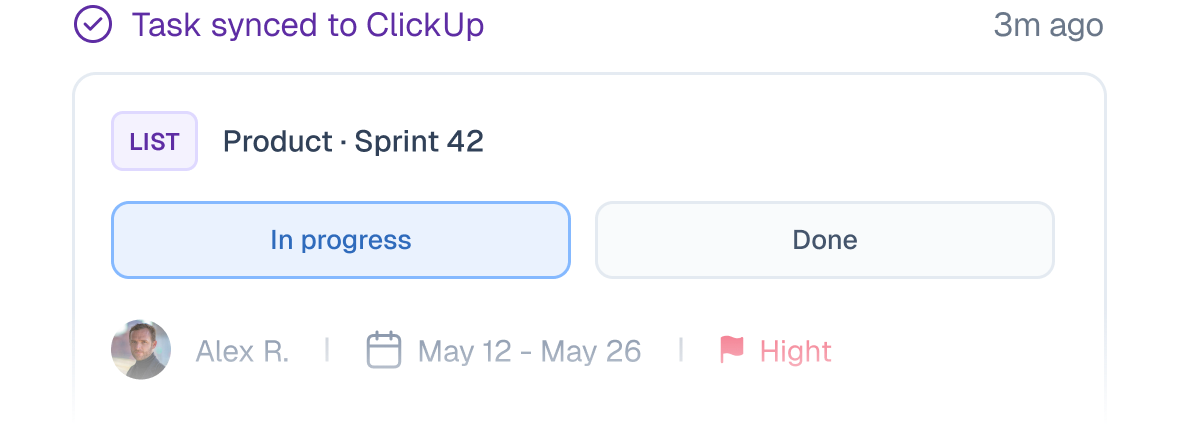
ListProduct · Sprint 42
In progressDone

Map lists, locations, and routing rules to the way each project already works.
Jira

LINKED
Planning
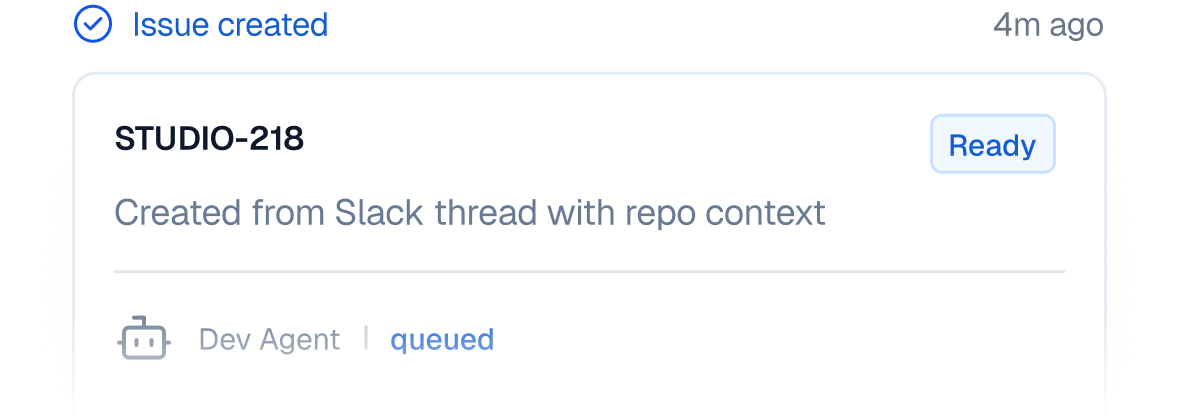
STUDIO-218Ready

Created from Slack thread with repo context

Dev Agent queued

Create and update tickets from chat, meetings, and repo context without changing planning systems.
GitHub

LINKED
Repos

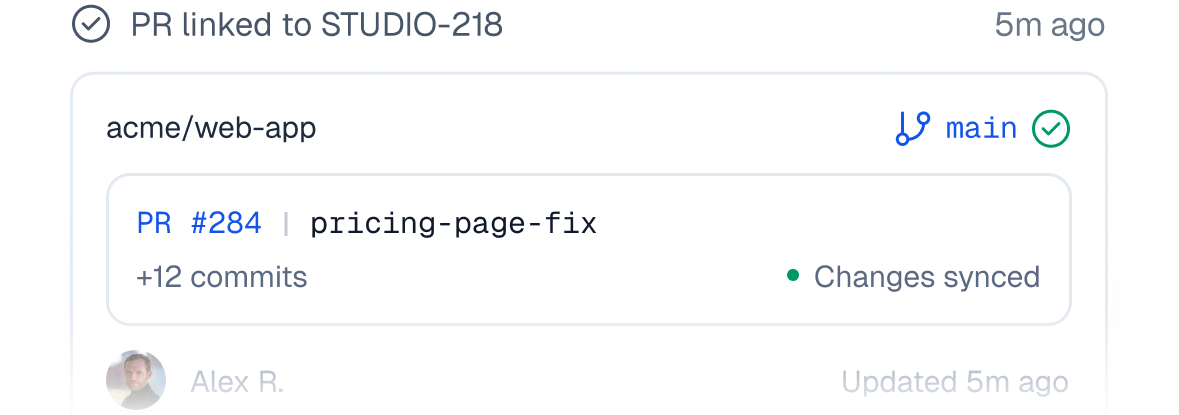
origin/main · repo matched

+ app/pricing/page.tsx

Mapped in Qavora project

Match work items to repos and sync PR links back to the source workflow.
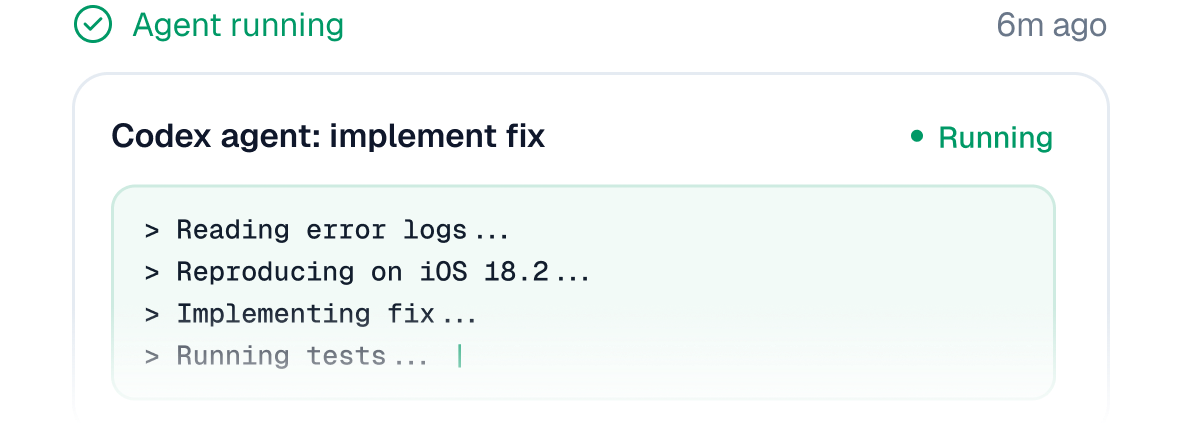
Codex

LINKED
Dev Agents
CodexReady
prompt: implement from ticket

Launch implementation work into the right coding-agent runtime with project context attached.
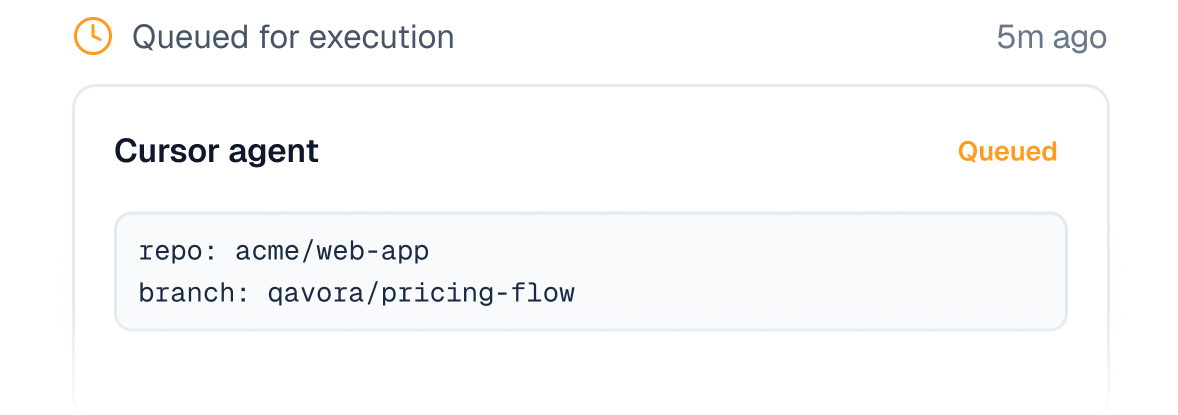
Cursor

LINKED
Dev Agents
Cursor agentQueued
repo: acme/web-app
branch: qavora/pricing-flow

Launch coding agents with repo, branch, and project context from the same work item.
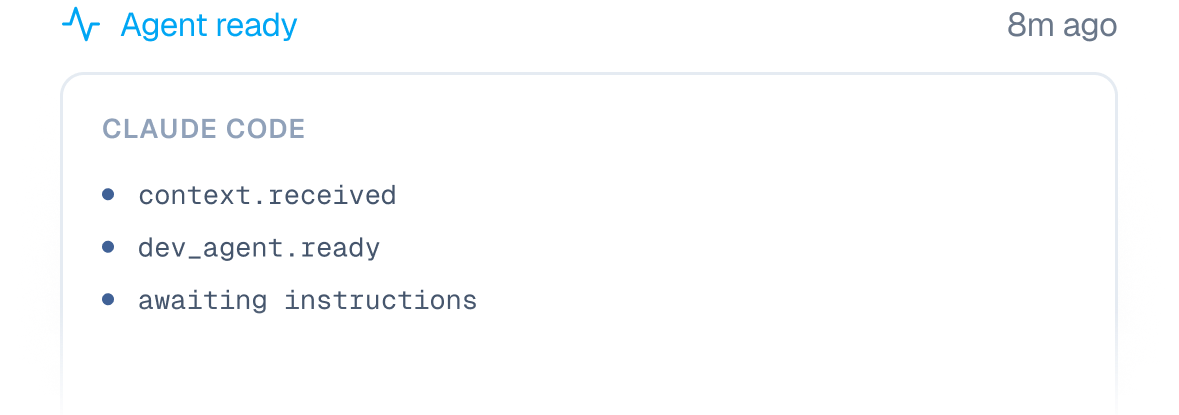
Claude Code

LINKED
Dev Agents

Claude Code

context.received
dev_agent.ready

Bring preferred coding agents into the same intake-to-execution loop as the rest of the team.

Workflow fit

Start with the workflow gap you feel first, then expand.

See how teams keep one connected flow from chat and meetings to tickets, repos, and dev agents.

1 flow

Conversation to shipped work

One operating loop instead of hand-built handoffs

4 agents

Chat, Meeting, Ticket, Dev

Launch the right agent for the moment

Synced

Tools stay aligned

Slack, tickets, repos, PRs, and dev agents

  • The handoff from Slack to ticket to agent run is finally one workflow instead of three tools and a lot of follow-up.Alex Chen, Engineering Lead
  • Cursor runs tied to the same project context our team discussed in Slack. That is the workflow we wanted from day one.Jordan Smith, Product Engineering Lead
  • Qavora lets us keep our existing tools while making the path from decision to implementation much easier to track.Sam Rivera, Platform PM
  • We cut operational drag in triage—not with another dashboard, but by keeping one narrative from Slack to the ticket.Briana Patton, Operations Manager
  • Finally a workflow that does not require a manual for the whole team. Adoption felt natural inside Slack first.James O'Brien, Engineering Manager
  • Auditability improved within the first sprint: who said what, on which thread, tied to which Linear issue.David Kim, Finance Technology Lead
  • Release weeks got calmer when PRs stopped floating without the ticket context that started the work.Priya Nandakumar, Director of Platform
  • ClickUp lists and Slack channels finally agree on ownership. Less chasing, more closing.Marcus Webb, IT Operations Lead
  • The boring win we wanted: fewer tabs, fewer “what was the original ask?” moments in standup.Elena Vasquez, Product Operations
  • We swapped weekend triage archaeology for something we could trace: thread, ticket, repo, in one place.Chris Dalton, VP Engineering

Pricing

Plans that scale with your release workflow

Start with the agent your team needs most, then connect the rest of the studio flow across chat, meetings, tickets, repos, and dev agents.

Yearly shows the effective monthly rate when billed annually (annual totals below each price).

Builder

Stop losing work between conversations and code.

$79/mo

For solo founders and 1–2 person studios running client projects.

  • Whole team — no per-seat fees
  • 2 projects · 5 Slack routes
  • 3,000 AI credits / mo
  • Automatic Slack routing
  • Ticket creation in ClickUp, Linear, or Jira
  • 1 dev agent integration (Cursor or Claude Code)
  • Plan proposal and Slack approval
  • PR link back to originating ticket
  • Meeting agent — transcribe calls, extract actions
  • Video analysis
Recommended

Operator

Your PM shouldn't be the glue between Slack, tickets, and your dev agents.

$249/mo

Most studios start here — automated QA alone saves 4–6 hrs per sprint.

  • Whole team — no per-seat fees
  • 8 projects · 20 Slack routes
  • 15,000 AI credits / mo
  • Everything in Builder
  • Automated QA agent on Vercel previews
  • Test case auto-generation on ticket creation
  • QA step-by-step trace viewer
  • PR merge gate — block merge until QA passes
  • QA re-run on new commits
  • Bidirectional ticket ↔ dev agent routing

Studio OS

One operating loop from conversation to shipped and reviewed code.

$599/mo

For agencies and eng orgs running 8+ projects simultaneously.

  • Whole team — no per-seat fees
  • 25 projects · 75 Slack routes
  • 50,000 AI credits / mo
  • Everything in Operator
  • Multi-project overview — all agents and QA in one view
  • Scope creep detection and weekly digest
  • Intercom bug triage — auto-convert user reports to tickets
  • Duplicate bug detection
  • Automated weekly client update email
  • Priority support

Need a different fit? Talk to us about custom volumes or managed onboarding.

FAQ

The questions engineering leaders usually ask before adopting a workflow tool.

Clear answers about where Qavora fits in your existing chat, meeting, ticket, repo, and coding-agent workflow.